Real-time AI subtitles
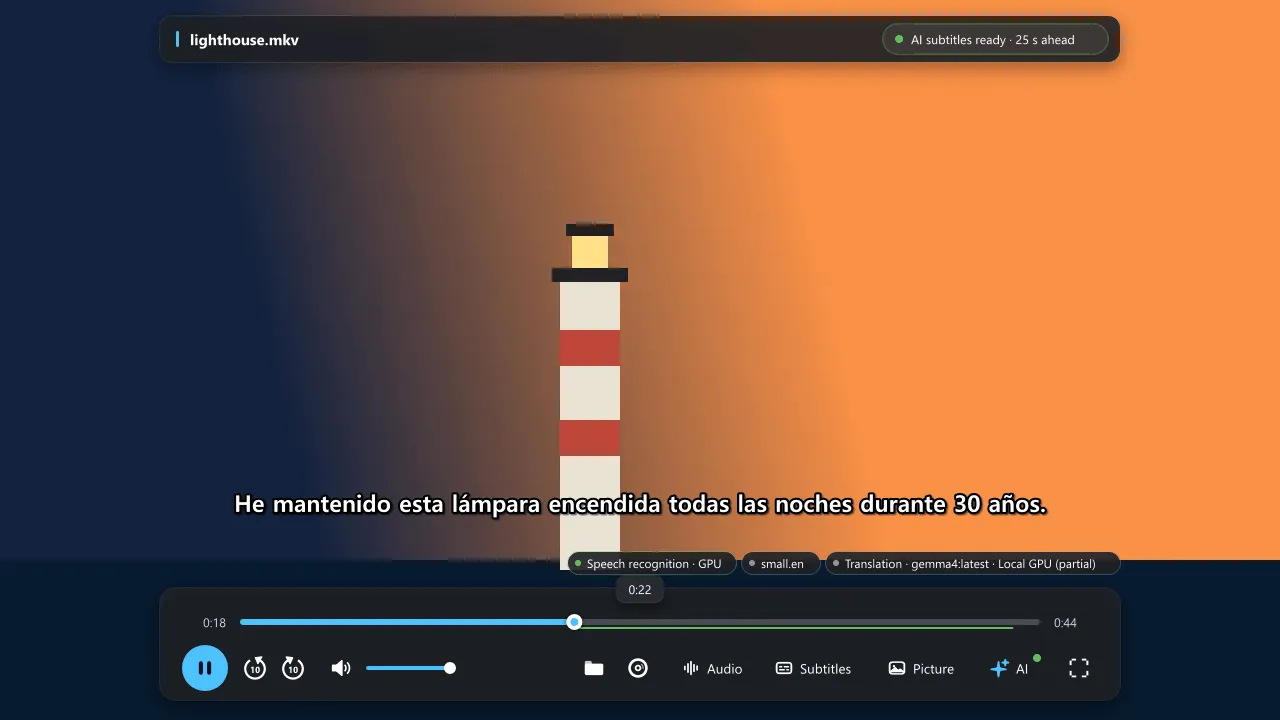
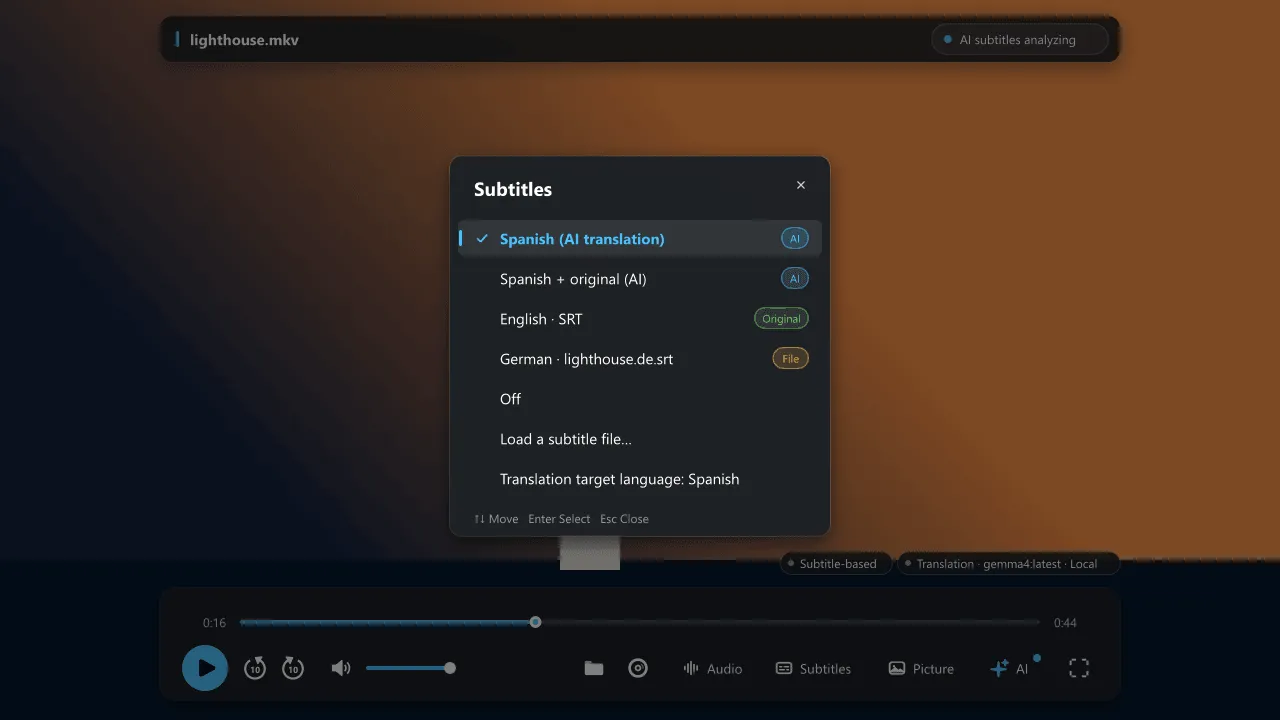
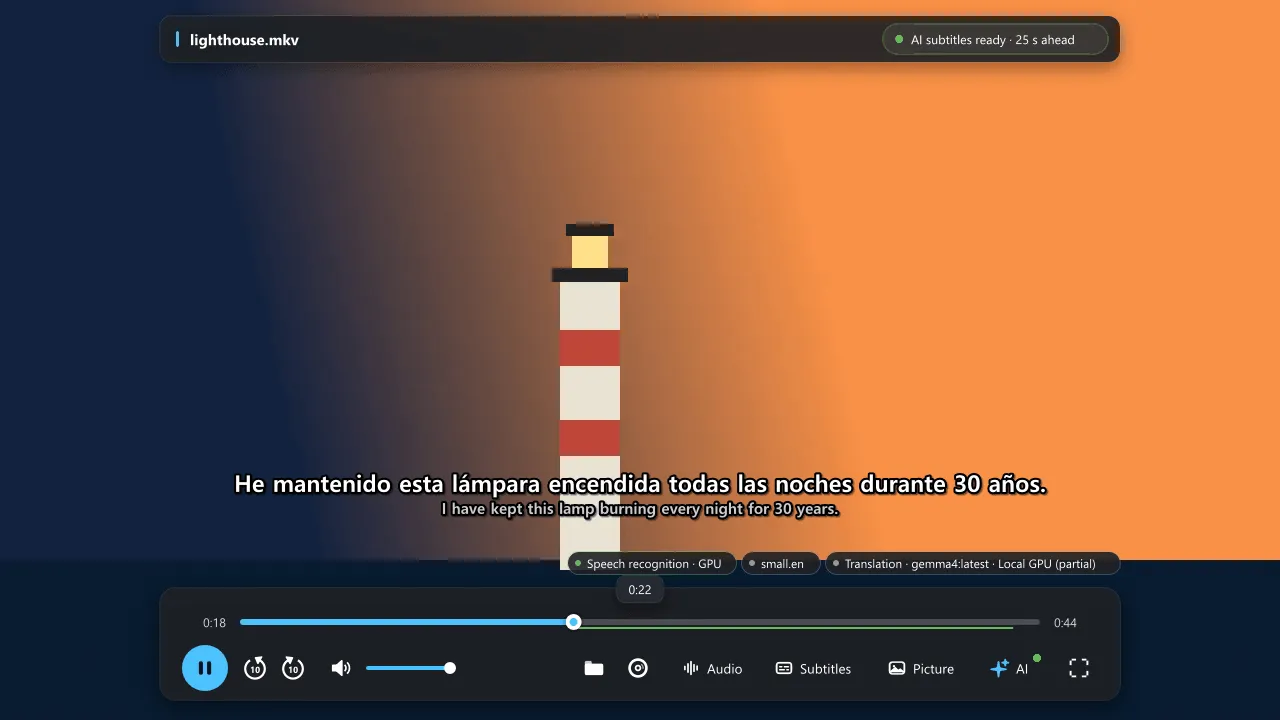
Speech recognition (Whisper) turns the audio into text, a translation model of your choice turns it into your language, and the result appears as a normal subtitle track, ahead of playback.
Every release lists the SHA-256 of each file. Compare it with Get-FileHash before you run the installer.
Verify in PowerShell: Get-FileHash .\NanumPlayer-Setup-<version>.exe -Algorithm SHA256
The installer does not include speech models or the optional Blu-ray/DVD decryption components. See Getting started for what to download next.
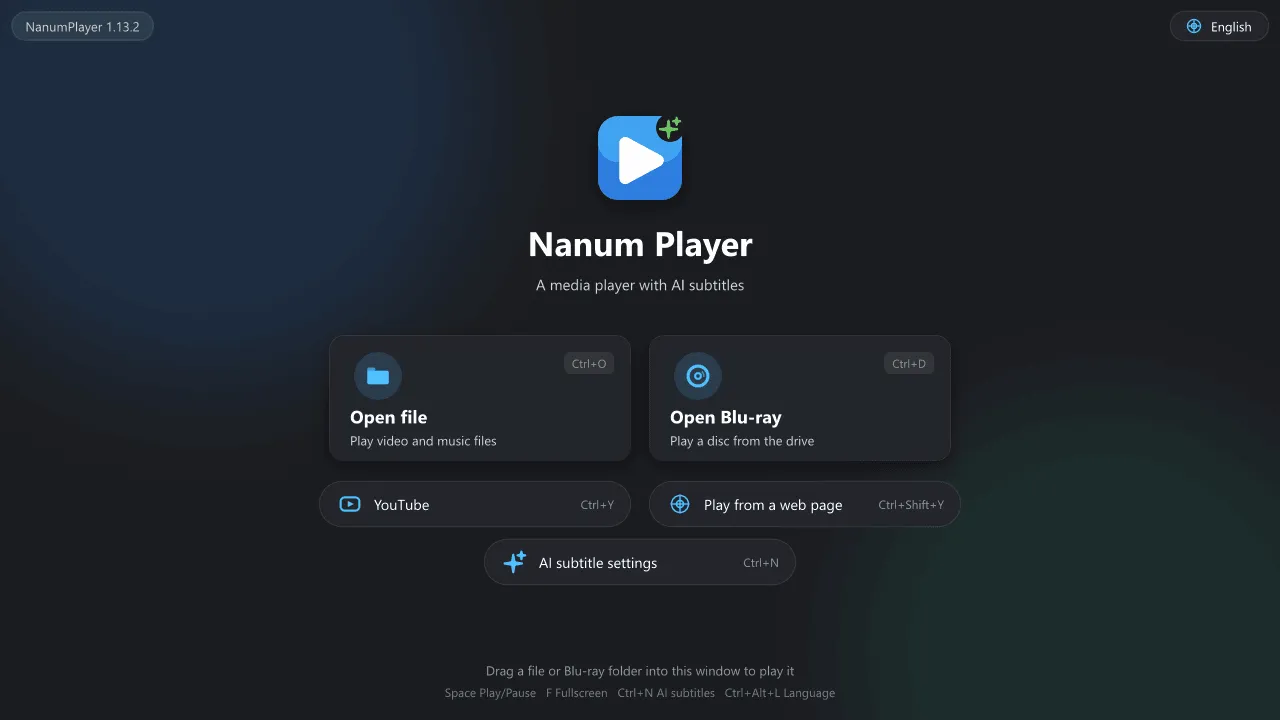
New here? Getting started takes you from the installer to your first AI subtitles. Everything runs on your PC; the optional parts (speech models, a translation model) are downloaded only when you choose them.
Real-time AI subtitles
Speech recognition (Whisper) turns the audio into text, a translation model of your choice turns it into your language, and the result appears as a normal subtitle track, ahead of playback.
Files, discs and the web
Local video files, Blu-ray and DVD, YouTube and videos on ordinary web pages. Subtitles work the same everywhere.
Subtitle files without playing
Generate SRT files for a whole video from speech, from a text subtitle track or from disc image subtitles (OCR), with one translated file per language.
Glossary and style
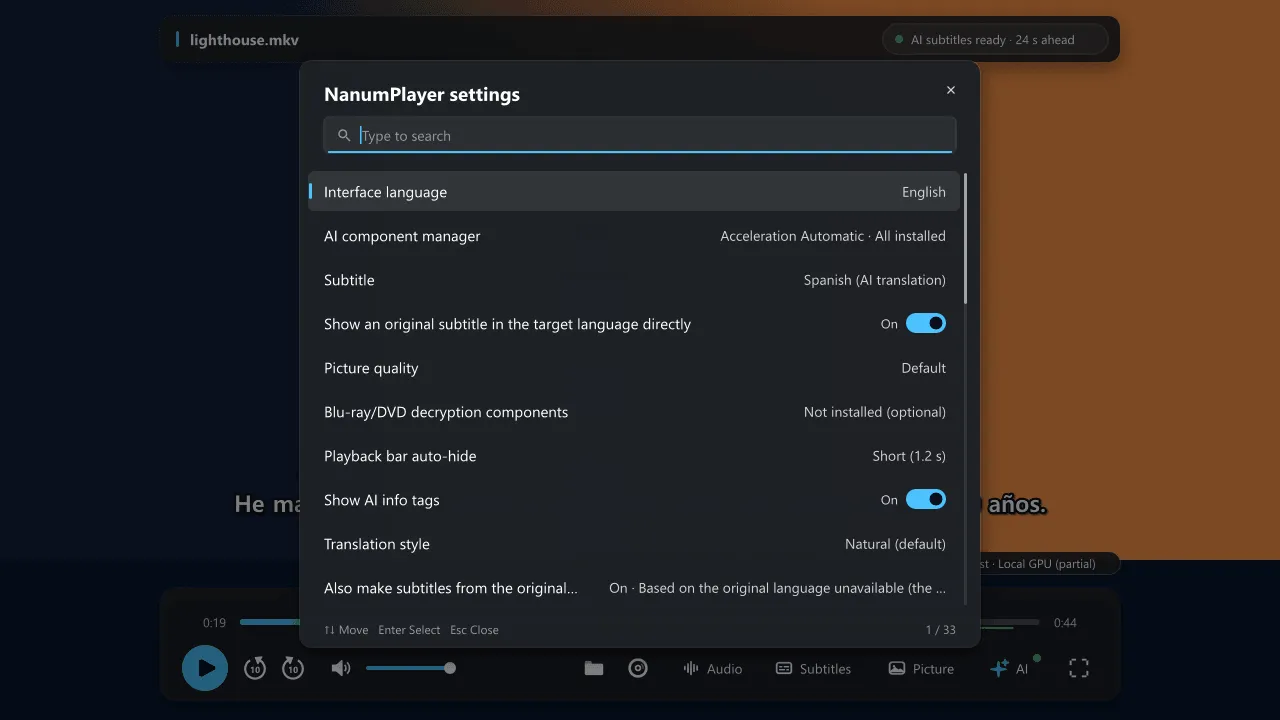
Character and place names stay consistent. Review and edit the glossary, choose polite, casual or natural speech, and existing subtitles are re-translated.
Sharper pictures
GPU upscaling (high-quality scaling, NVIDIA RTX Video Super Resolution, your own shaders) and built-in picture-quality presets for anime and compressed video.
Private by default
No playback history, logs or subtitle caches are kept unless you ask for them. Web and YouTube windows always run in InPrivate mode. No telemetry.