Session restore.
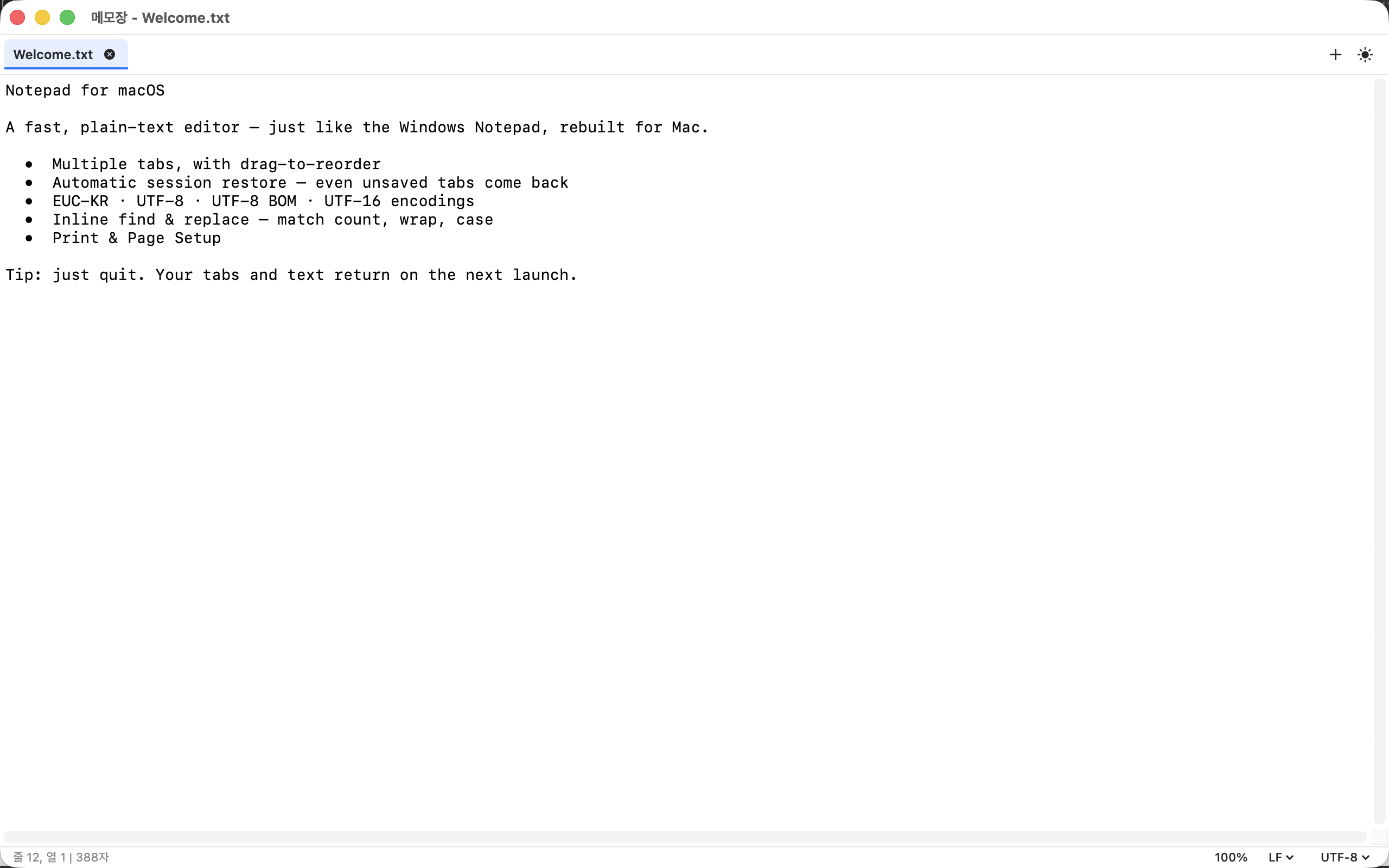
Unsaved tabs come back after quit, restart, even reboot. Or start fresh from Settings—your choice.
Private plain text · macOS · v1.2.12
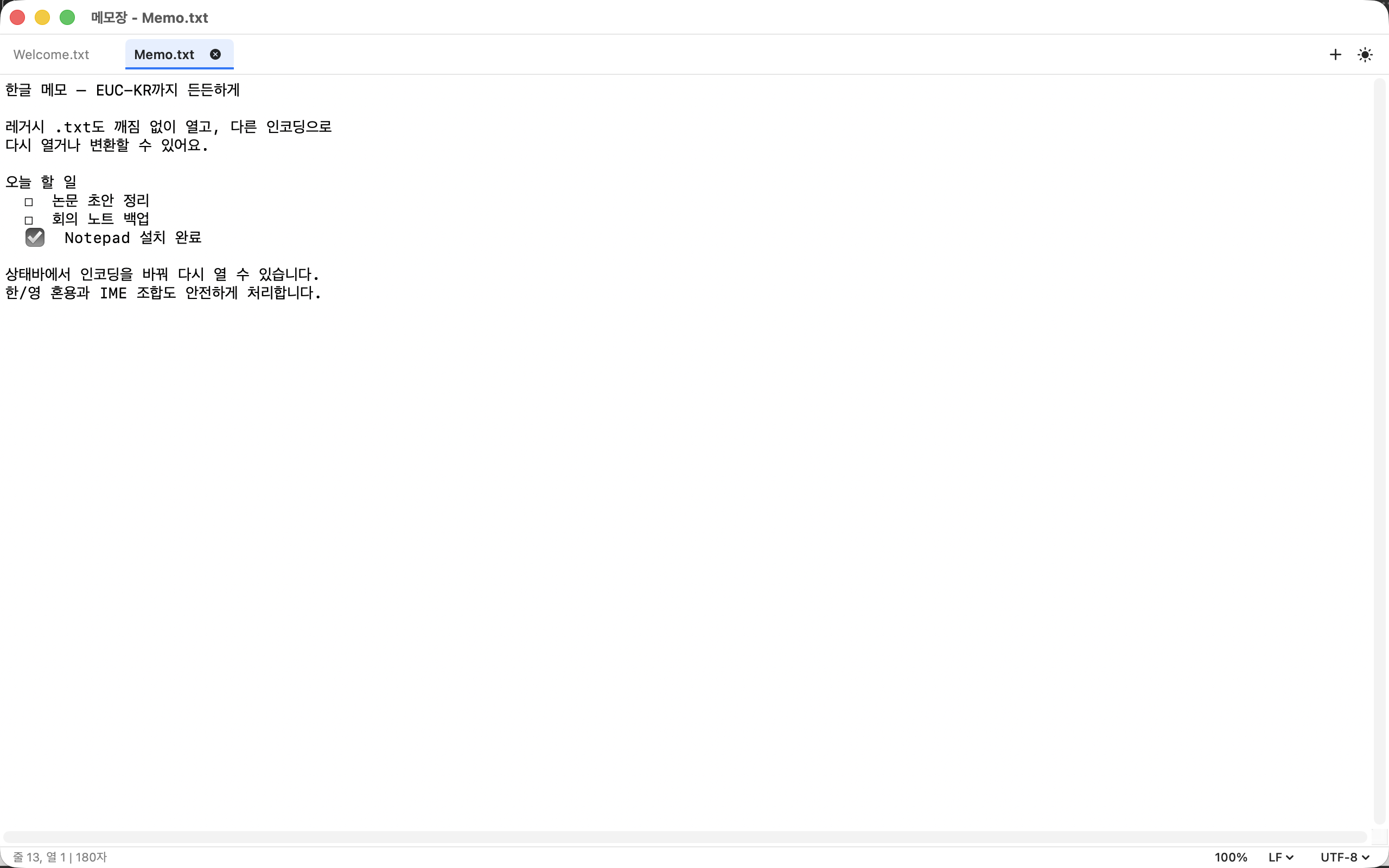
A fast plain-text notepad for Mac. Multi-tab editing with session restore—including unsaved notes—local spell check, encodings done right, and source highlight for Markdown, HTML, JSON, XML, and logs. Optional preview for .md and .html. Your files stay on your Mac.
Free · Apple Silicon · Sandboxed · Network only if you allow remote preview assets · 16 languages. Also on GitHub.

Fast cursor navigation with Home, End, Page Up, Page Down (Fn + Arrow keys) is now built in. Release notes
No WYSIWYG. No AI rewrite. Markdown, HTML, JSON, XML, and logs are first-class files—with highlight. Preview only when you ask.
Unsaved tabs come back after quit, restart, even reboot. Or start fresh from Settings—your choice.
Several documents in one window. Drag to reorder, Ctrl-Tab to cycle, asterisk on dirty files.
Sandboxed. No ads. No tracking. No account. Network only if you allow remote images or CSS in a preview tab.
System dictionary underlines and suggestions. Optional autocorrect. Turn off for code and log extensions.
Markdown, HTML, JSON, XML, and logs get syntax highlight in the editor. .txt stays plain text.
Optional side or full-screen preview for .md and .html. Scripts never run. Open in your browser if you need the real page.
Plain text only—by intention. Session restore remembers unsaved buffers. If a restored file can’t be read from disk, we never silently overwrite it with empty content.
No ads, no trackers, no data collection. Network only if you allow remote images or CSS in a Markdown or HTML preview tab. Open only the files you choose, inside the App Sandbox. Read the privacy policy.
Mac App Store (recommended) or a Developer ID–signed, notarized DMG from GitHub. On another Mac, use this DMG — do not copy a Debug build. v1.2.12 adds fast cursor navigation with Fn + Arrow keys (Home/End/PageUp/PageDown) and installs without a quarantine record.